
Plan a class the way you teach it.
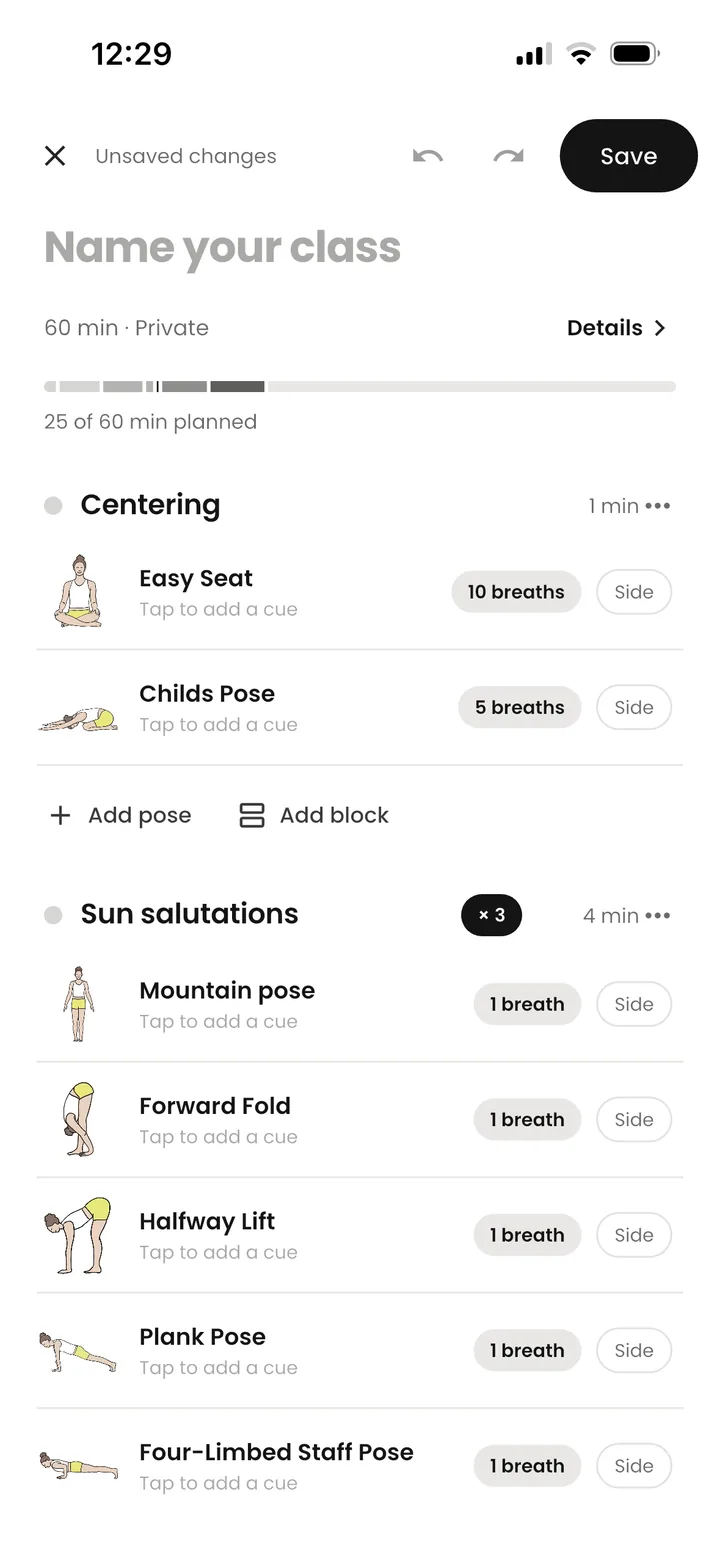
A yoga sequence builder that works the way you teach. One screen for the whole flow. Sections, rounds, holds, sides and cues, with the minutes adding up as you build.
Sections that make sense
Centering, warm-up, sun salutations, standing, balance, peak, floor, cool-down and savasana, or your own titles.
A live time budget
Holds in breaths or seconds, sides counted twice, rounds multiplied. You always see how many of your minutes are planned.
Cues and private notes
Write the cue students hear, and a private note for yourself: an adjustment, a story, a reminder about a student.
Transitions you reuse
Save a sun salutation, a hip-opener sequence or your closing as a transition, and drop it into any class in one tap.
Edit without fear
Drag to reorder, swipe to duplicate or remove, and undo any change. Drafts are saved on your phone as you go.
Start from somewhere
Begin blank, from a Vinyasa, Hatha, Yin or short-practice preset, or let Create with AI draft the whole class.
From plan to mat in one tap.
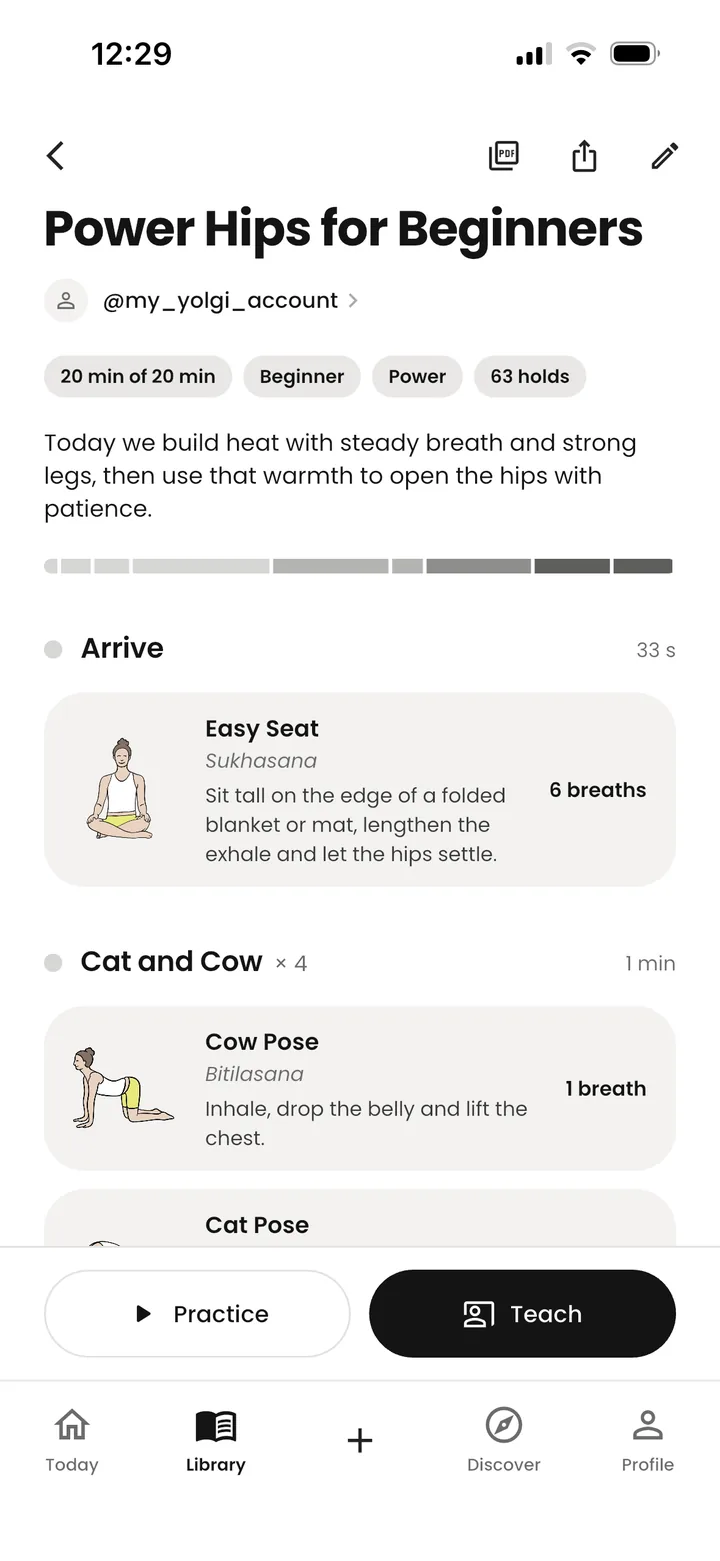
Open the class and choose Teach or Practice. Teach mode shows the current pose, your cue and private note, and what comes next, and you move on when your students are ready. Practice mode times every hold and rings a bell between poses.
After class, note how it went and how the energy felt. Next time you open the class, you'll know what to change.
Read: how to sequence a yoga class →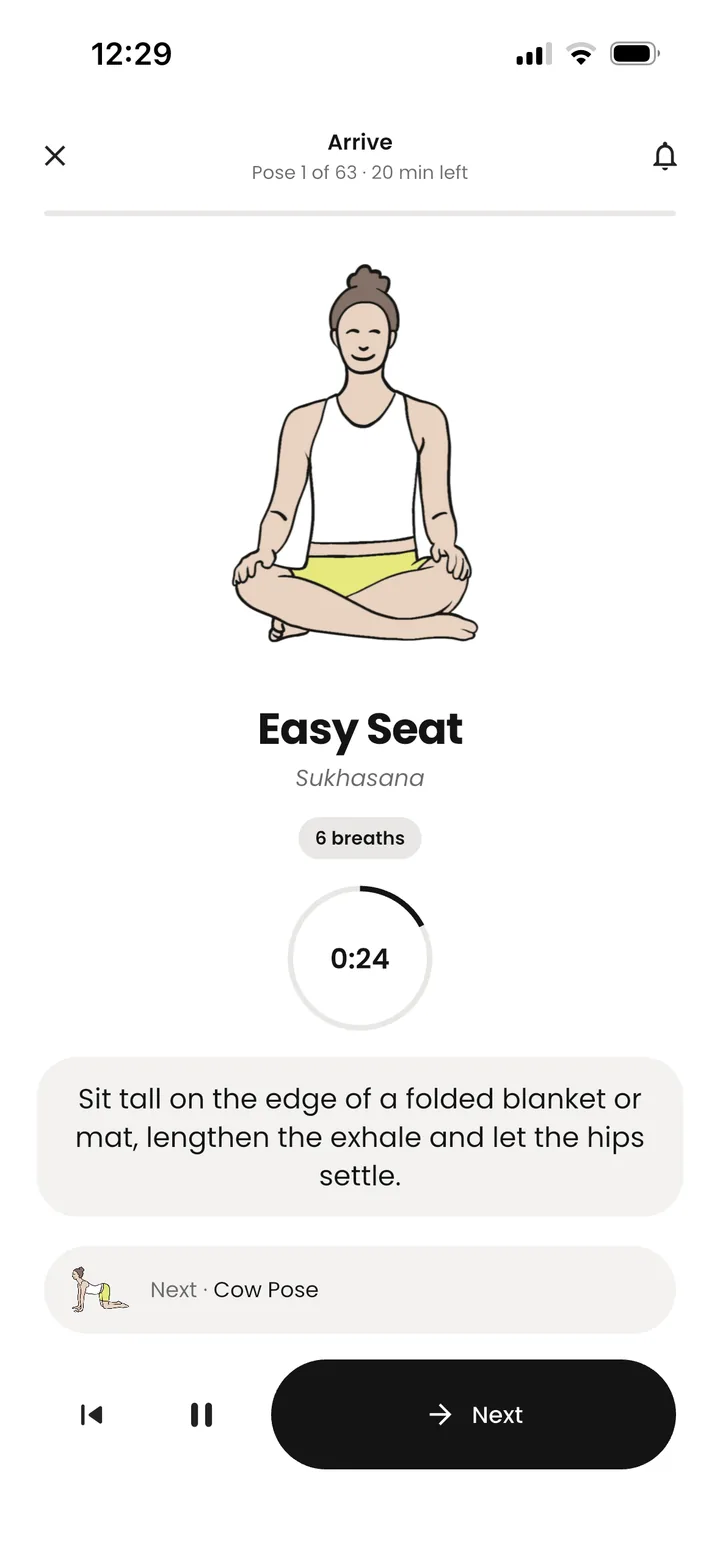
Planner questions
How long does it take to plan a class in Yolgi?
Starting from a preset or one of your saved transitions, a 60-minute class takes minutes rather than an evening. Create with AI drafts a full class in around 30 seconds, which you then adjust.
Can I plan holds in breaths instead of seconds?
Yes. Every pose can be held for a number of breaths or seconds. Yolgi counts a breath as about five seconds when it adds up your class time.
What happens with one-sided poses?
Set the side to left, right or both. With both, Yolgi teaches the pose on the right and then the left, and counts both sides in the class time.